Workspaces
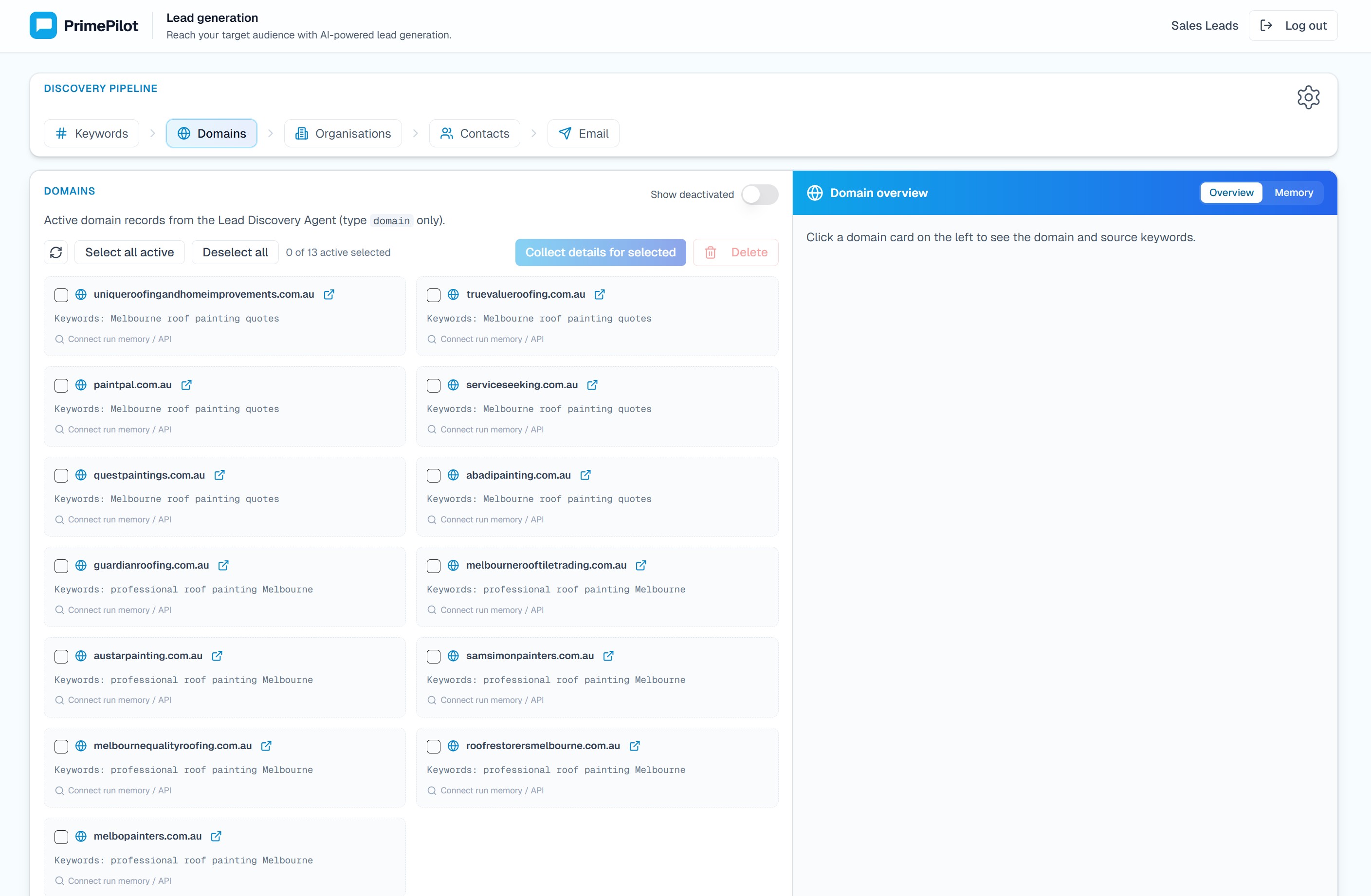
Workspaces are feature-rich interfaces that are bound to squads. They provide a dedicated user experience for a specific workflow while still using the squad's agents, orchestration, memory, and access controls behind the scenes.
Unlike chat widgets, a workspace is not embedded into another website. It is opened as a hosted PrimePilot interface at a workspace URL.
When to Use Workspaces
Use a workspace when the squad needs more than a conversation window. Workspaces are useful for guided workflows, multi-step processes, structured data review, learning workspace, lead generation, and other experiences where users need controls, progress, context, and agent assistance in one place.
If you need a standalone branded product website with its own data model, not only a workflow UI inside PrimePilot, see AI Products.
Enabling a Workspace
To enable a workspace:
- Open the squad in Agent Studio.
- Go to the squad's Deployment tab.
- Select a compatible workspace type.
- Save the workspace binding.
- Open the generated workspace URL.
Workspace URLs use the selected workspace type and squad id, for example:
/workspaces/lead-generation/{squadId}/workspaces/learning/{squadId}/learn
Compatibility Requirements
Each workspace type can require specific agents or orchestration settings. PrimePilot checks compatibility before a workspace can be selected. If a squad is missing a requirement, the Deployment tab shows what needs to be added or changed before the workspace can be enabled.